The goal
Detect a cat, take a photo, and send it straight to email — automatically, over WiFi, with no manual intervention. No SD card, no screen, no cloud subscription needed.
When the PIR motion sensor detects movement (ideally the cat), the ESP32-CAM wakes up, takes a photo, and emails it over WiFi. This is now working as a full loop on the breadboard prototype.
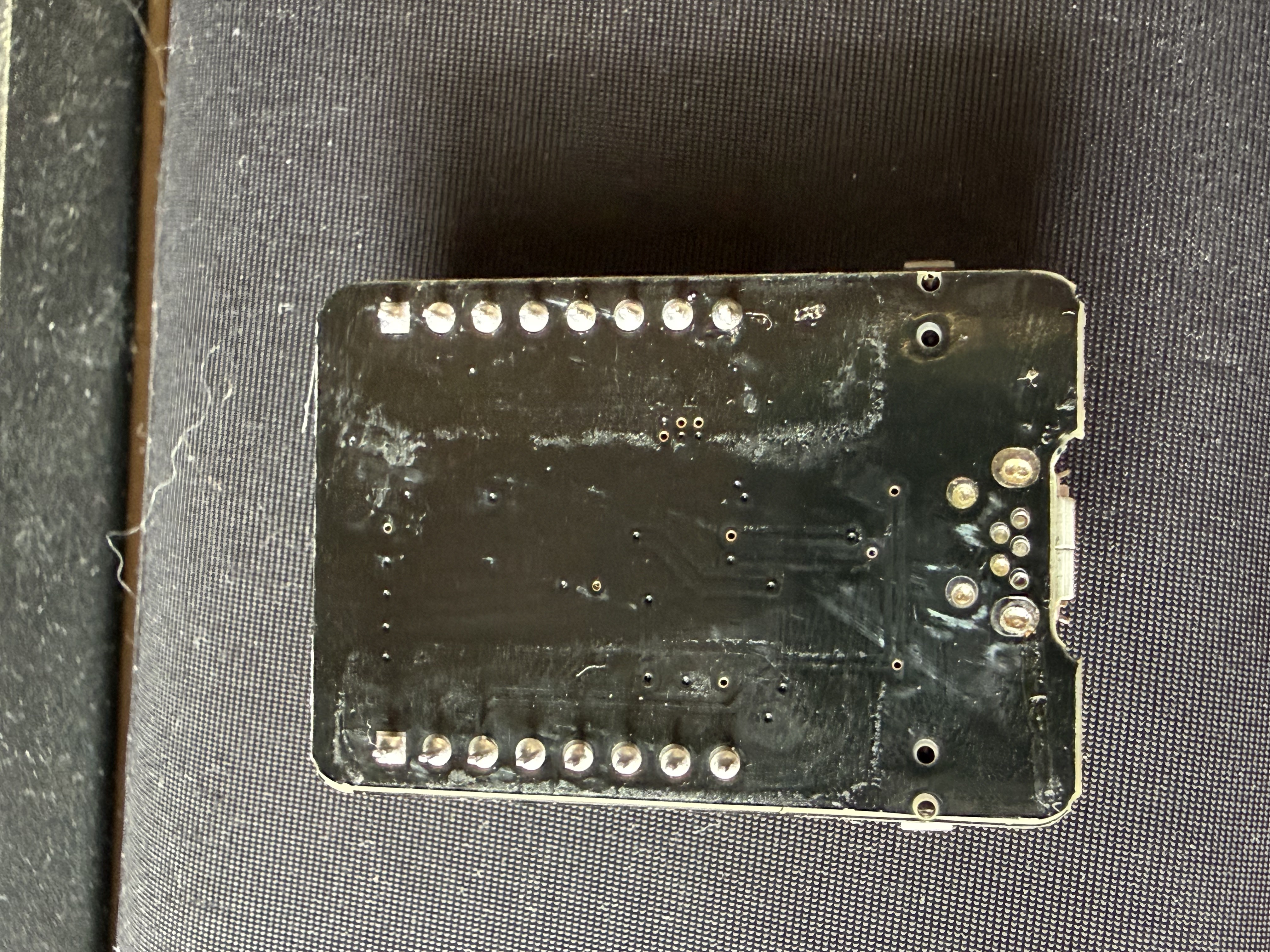
Prototype photos
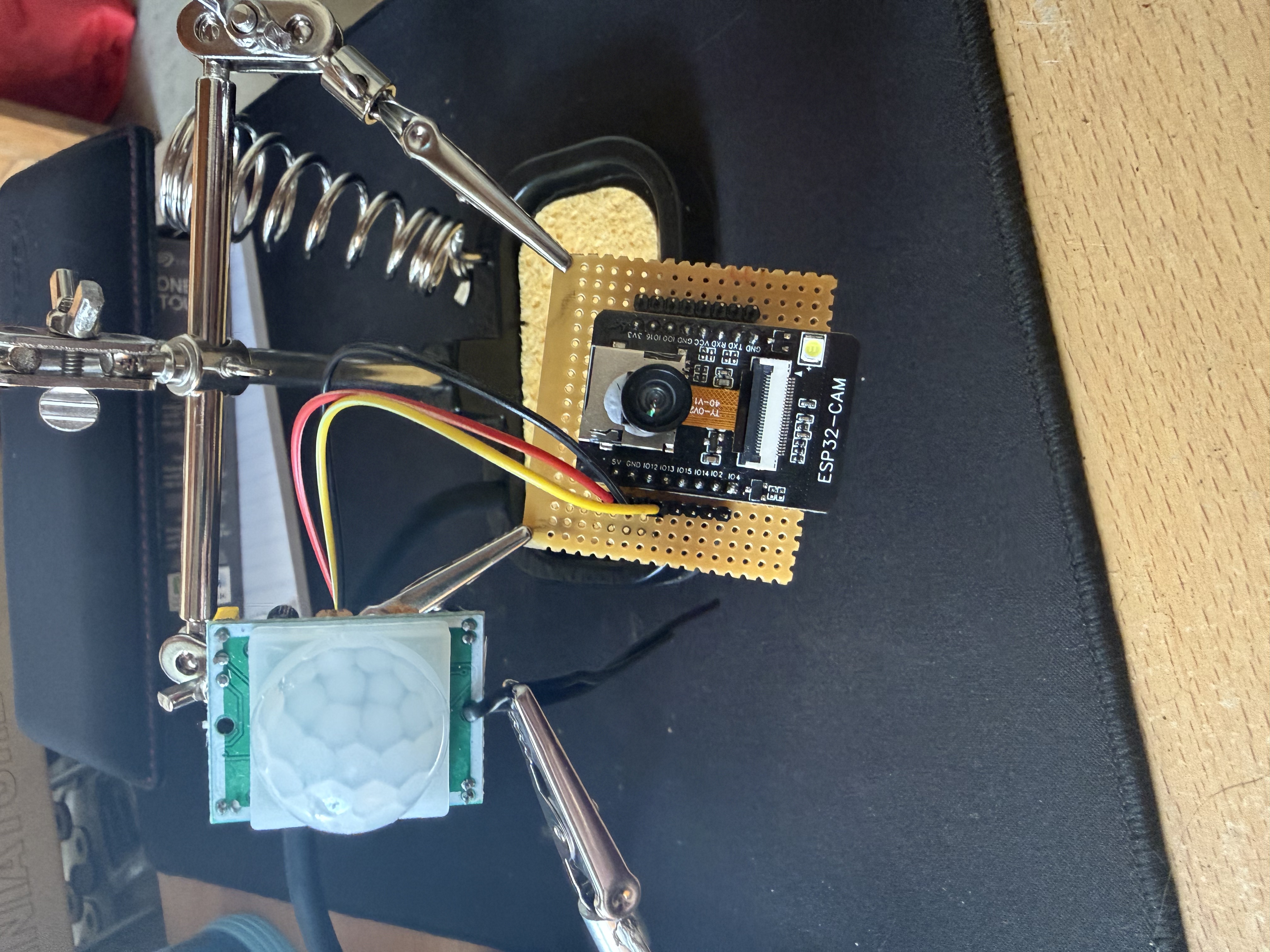
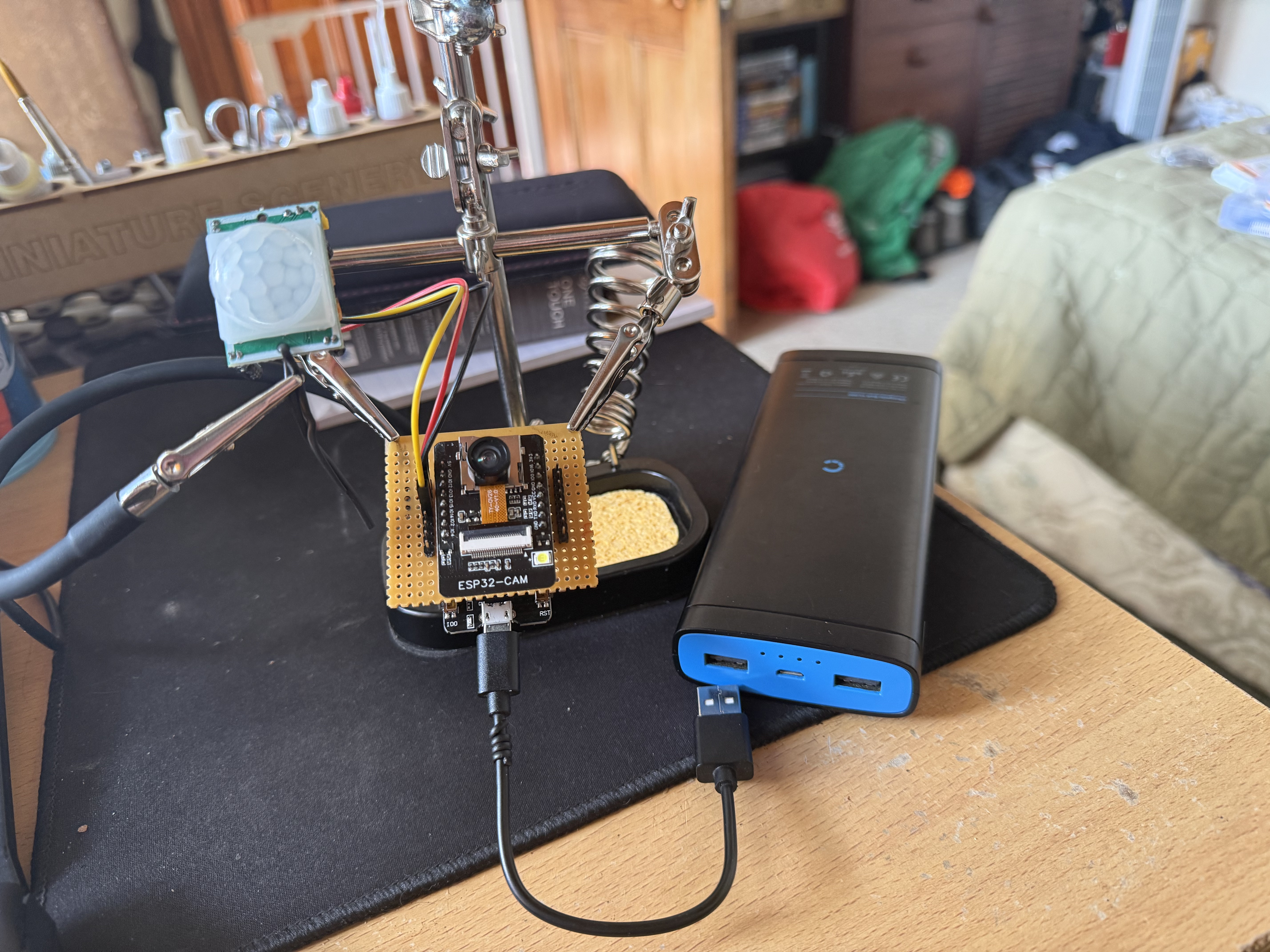
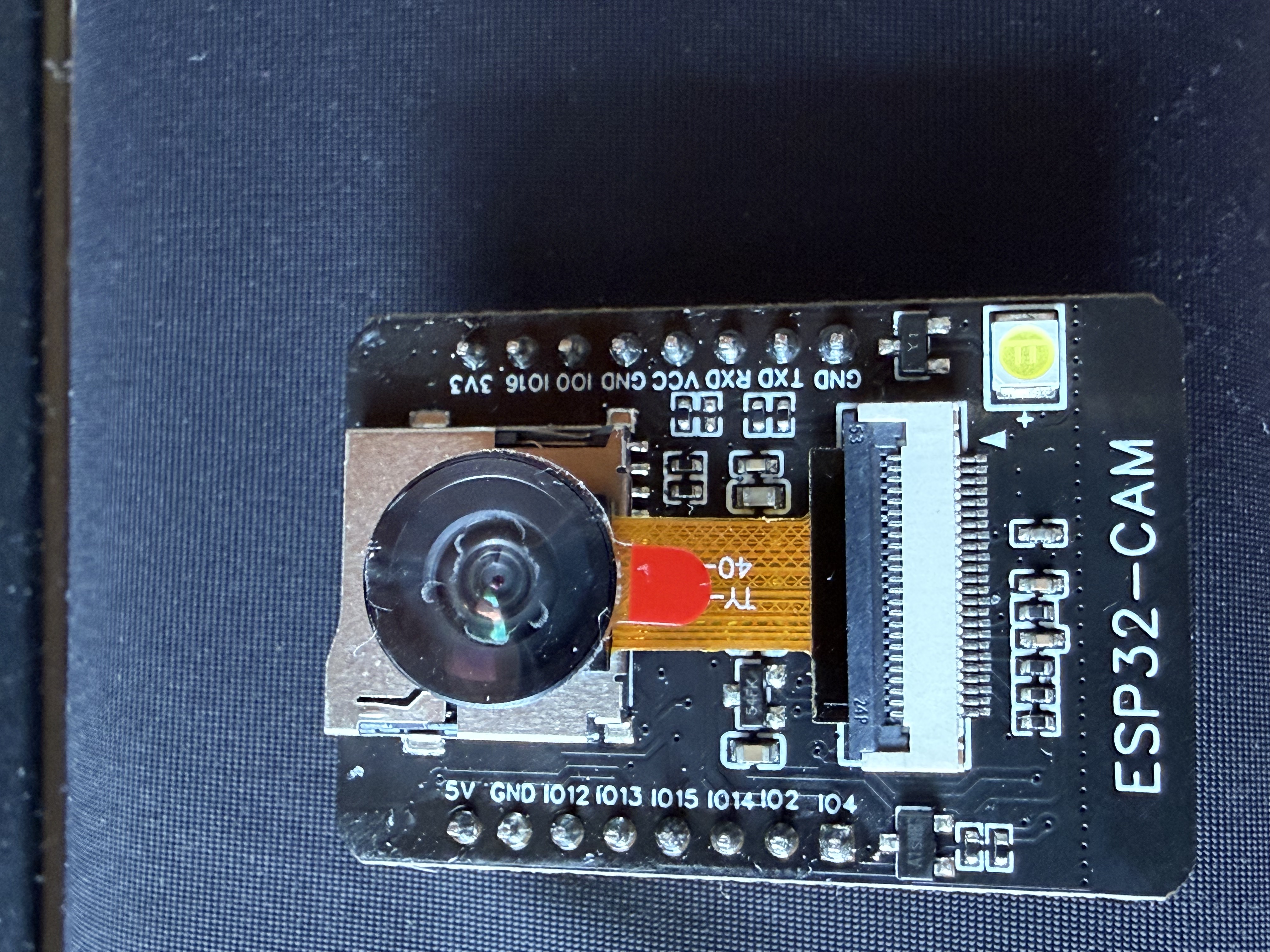

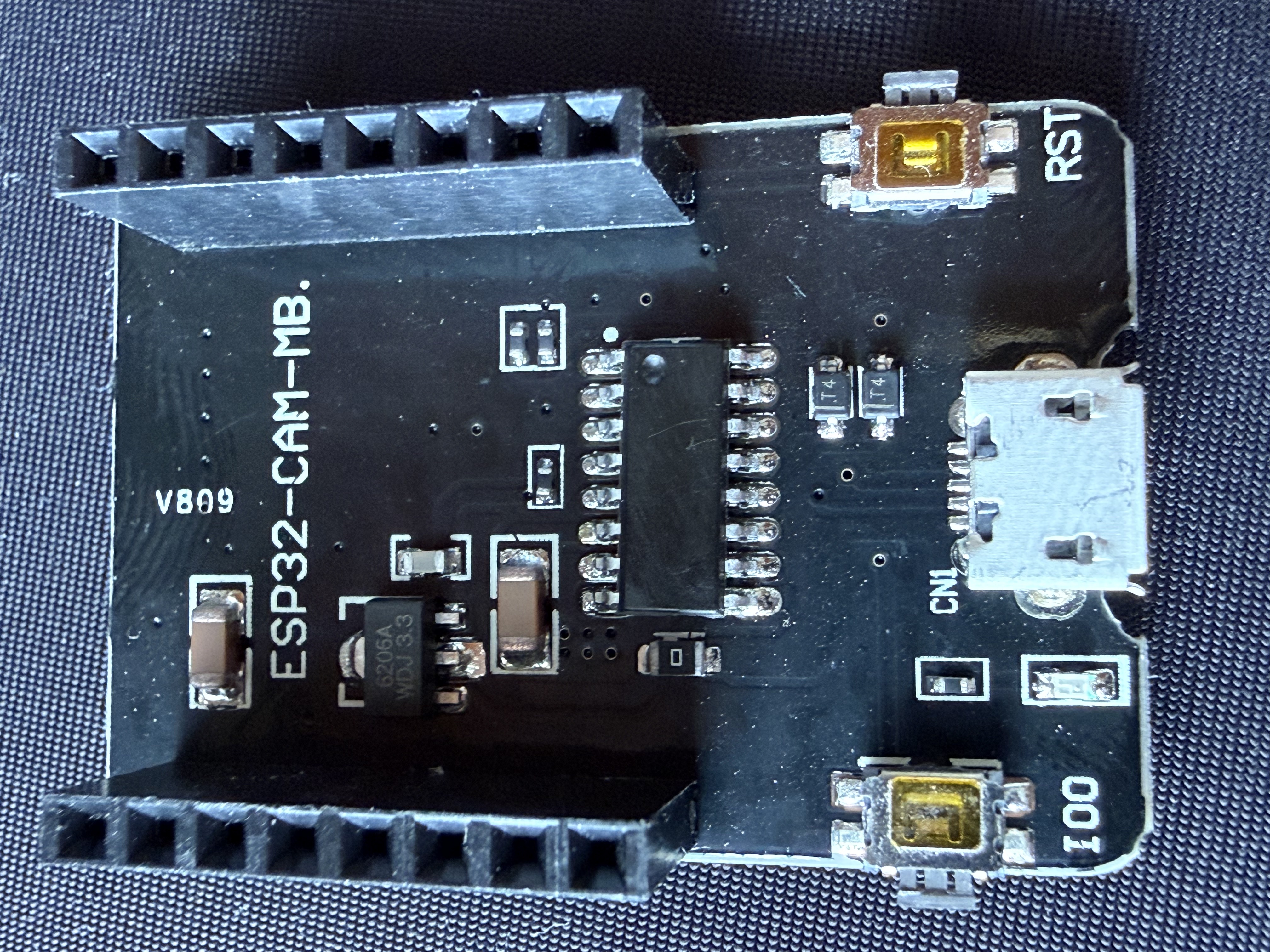
Key design decisions
| Decision | Choice | Why |
|---|---|---|
| Microcontroller | ESP32-CAM | Built-in WiFi and camera support in one small board |
| Motion detection | HC-SR501 PIR sensor | Simple, reliable, low cost — detects body heat movement |
| Photo delivery | Email via WiFi (SMTP) | No SD card needed — photos go straight to the inbox |
| Camera sensor | OV2640 wide angle | Wide field of view catches more of the room |
| Power logic | 3.3V | ESP32 runs at 3.3V — 5V on the GPIO pins would damage it |
| Secrets handling | Separate secrets.h file | Keeps WiFi and email credentials out of the shared/published code |
Build progress
| Phase | Task | Status |
|---|---|---|
| Phase 1 | Install Arduino IDE + ESP32 board support | ✅ Done |
| Phase 1 | Set up Gmail App Password | ✅ Done |
| Phase 1 | Build socket/header test board (soldering practice) | ✅ Done |
| Phase 2 | Wire PIR sensor to ESP32-CAM on breadboard | ✅ Done |
| Phase 2 | Upload and test WiFi connection | ✅ Done |
| Phase 3 | Camera capture code | ✅ Done |
| Phase 3 | Email send with photo attachment | ✅ Done |
| Phase 3 | End-to-end test: motion → photo → email | ✅ Done — working! |
| Phase 4 | Permanently solder PIR sensor wiring to ESP32-CAM | TODO — next up |
| Phase 4 (future) | Add SG90 pan/tilt servo mount | Future |
| Phase 4 (future) | Proper enclosure (currently: takeaway container plan) | Future |
Build order: WiFi was tested on its own first, then camera capture,
then email — one layer at a time, so any problem was always easy to trace back
to a single change.
Wiring reference
| Signal | ESP32-CAM Pin | Notes |
|---|---|---|
| PIR data output | GPIO13 | Safe input pin on the ESP32-CAM |
| Ground (GND) | GND | Connect to PIR GND |
| Power (3.3V) | 3.3V | Connect to PIR VCC — never use 5V on GPIO pins |
| Flash mode | GPIO0 (IO0 button) | Hold LOW during power-on to enter upload/programming mode |
The code (core logic)
Below is the heart of the sketch — motion detection triggering a photo
capture and email delivery. WiFi and email credentials are kept out of
this file, in a separate secrets.h that isn't published.
secrets.h
#define WIFI_SSID "your-wifi-name"
#define WIFI_PASSWORD "your-wifi-password"
#define SENDER_EMAIL "[email protected]"
#define SENDER_PASSWORD "your-gmail-app-password"
#define RECIPIENT_EMAIL "[email protected]"
Motion detection and email send
#include "secrets.h"

#define PIR_PIN 13
#define FLASH_GPIO 4

SMTPSession smtp;

void sendPhoto() {
  digitalWrite(FLASH_GPIO, HIGH);
  delay(2000);
  camera_fb_t * fb = esp_camera_fb_get();
  digitalWrite(FLASH_GPIO, LOW);
  if (!fb) {
    Serial.println("Camera capture failed");
    return;
  }
  Serial.println("Photo taken — sending email...");

  ESP_Mail_Session session;
  session.server.host_name = "smtp.gmail.com";
  session.server.port = 465;
  session.login.email = SENDER_EMAIL;
  session.login.password = SENDER_PASSWORD;
  session.login.user_domain = "";

  SMTP_Message message;
  message.sender.name = "CatSpy";
  message.sender.email = SENDER_EMAIL;
  message.subject = "Cat detected!";
  message.addRecipient("Owner", RECIPIENT_EMAIL);
  message.text.content = "Motion detected — photo attached!";

  SMTP_Attachment attachment;
  attachment.descr.filename = "cat.jpg";
  attachment.descr.mime = "image/jpg";
  attachment.blob.data = fb->buf;
  attachment.blob.size = fb->len;
  attachment.descr.transfer_encoding = Content_Transfer_Encoding::enc_base64;
  message.addAttachment(attachment);

  smtp.debug(1);
  if (!smtp.connect(&session)) {
    Serial.println("Email connection failed");
    esp_camera_fb_return(fb);
    return;
  }
  if (!MailClient.sendMail(&smtp, &message)) {
    Serial.println("Email send failed: " + smtp.errorReason());
  } else {
    Serial.println("Email sent successfully!");
  }
  esp_camera_fb_return(fb);
}

void loop() {
  if (digitalRead(PIR_PIN) == HIGH) {
    Serial.println("Motion detected! 🐱");
    sendPhoto();
    Serial.println("Cooling down for 30 seconds...");
    delay(30000);
  }
}